
TikTok to MP3 Converter: Download TikTok Audio as MP3
Whether you want a trending sound for later, a voice clip for editing, or a track for offline listening, a TikTok audio downloader pulls the sound out of any public video in a few seconds.
MP3 bitrate controls the encoded output size. It does not add detail beyond the original TikTok audio.
To convert TikTok to MP3, copy the video’s share link, paste it into the converter above. Select MP3, and download the audio file to your device, no app or account needed. That’s the whole process.
How to convert TikTok to MP3
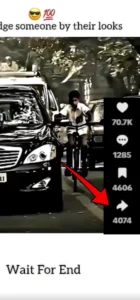
1. Copy the link.
Open the TikTok video, tap Share, then Copy Link
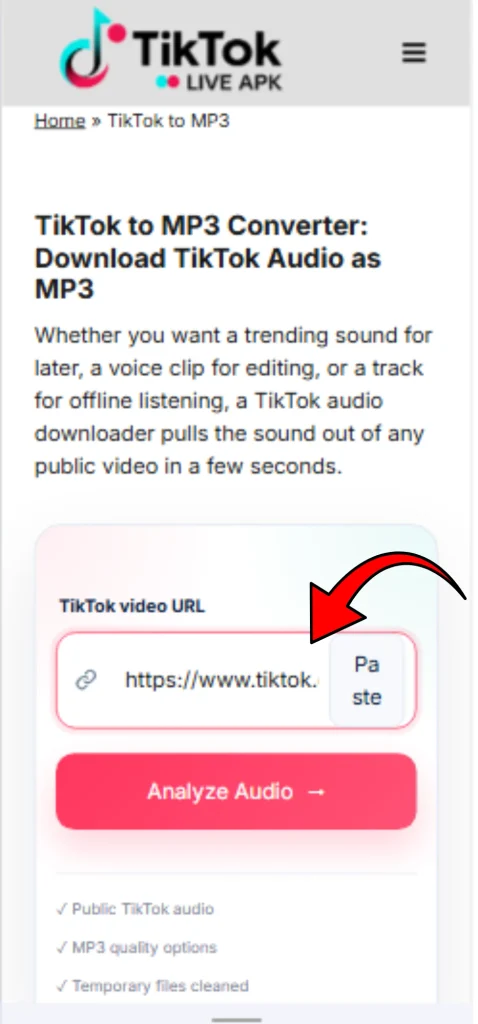
2. Paste it above.
Drop the link into the converter box.
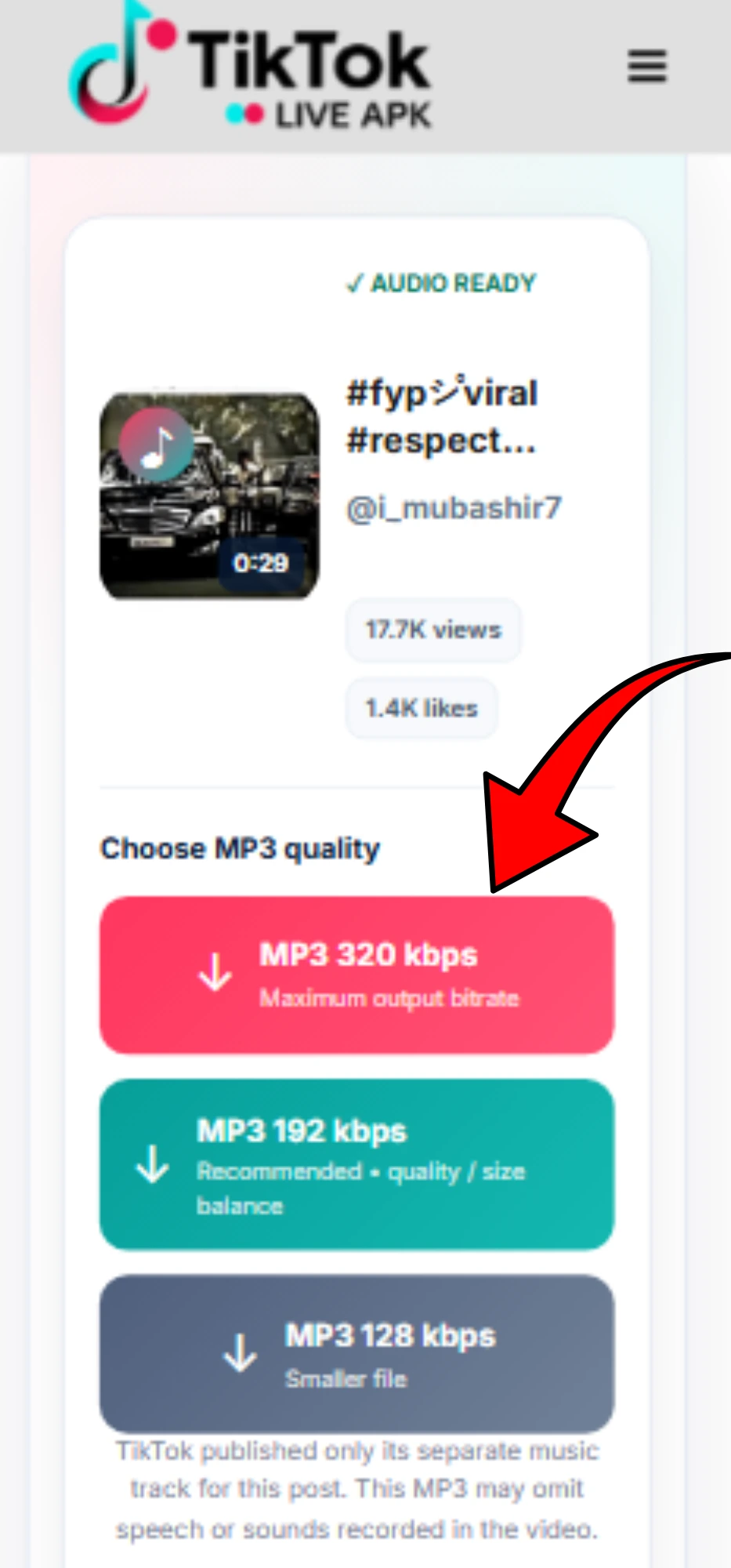
3. Select MP3 and convert.
The tool extracts the audio track and prepares it for download.
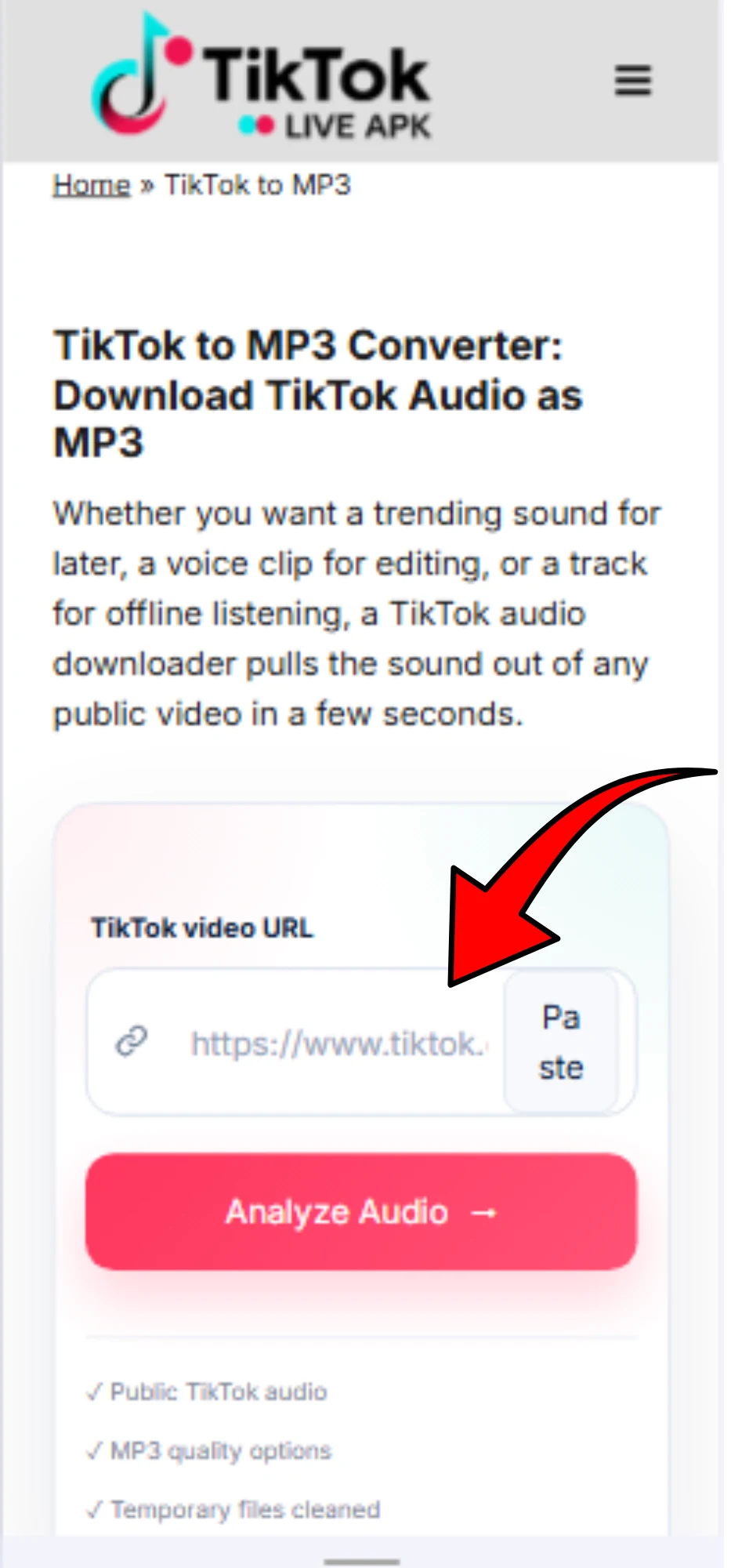
4. Save the file.
Tap Download and find the MP3 in your device’s Downloads folder.
If you’d rather keep the visuals too, the TikTok video downloader handles the full clip in MP4 instead.
What is a TikTok to MP3 converter?
A TikTok MP3 downloader is a tool that separates the audio track from a TikTok video and saves it as a standalone MP3 file. It does not create new audio. It extracts what’s already embedded in the clip, whether that’s a trending song, a voiceover, or background music. You can play it independently of the video.
Which TikTok links work?
The converter accepts standard TikTok video URLs, short share links like vm.tiktok.com and vt.tiktok.com, and links copied directly from the mobile app’s Share menu. The video needs to be public, private or restricted posts can’t be processed. For the same reason no browser-based tool can bypass TikTok’s own access controls.
A quick tip: Paste the link exactly as copied. Editing it, trimming tracking parameters, or copying it from a browser’s address bar instead of the Share button is one of the most common reasons a conversion fails before it even starts.
TikTok MP3 audio quality
Audio quality comes down to bitrate, roughly, how much data is used to represent each second of sound. TikTok itself compresses audio before you ever download it, typically in the range of 128–256 kbps AAC. Some converters advertise 320 kbps output as if it’s automatically better. Actually, it is not.
Raising the output bitrate during conversion can’t restore detail that TikTok’s original compression has already removed. It just makes the file larger. What actually matters is starting from the best source audio available and avoiding unnecessary re-encoding, not chasing a bigger bitrate number.
MP3 vs. M4A: which should you choose?
Most converters output MP3 because it plays on virtually everything including phones, editors, car stereos, and old media players. M4A (the format TikTok’s audio is often closer to natively) uses Advanced Audio Coding (AAC) to preserve slightly more source detail at a similar file size, but it is less universally supported on older hardware.
For everyday use like playlists, ringtones, or sharing, MP3 is the simpler and safer choice. For editing workflows where source fidelity matters more, M4A can be worth choosing if your converter offers it.
Download TikTok MP3 on any device
iPhone & iPad:
Copy the link from the TikTok app, open Safari, paste it into the converter, and save the MP3 to the Files app. It will show up under “On My iPhone” or iCloud Drive, depending on your settings.
Android:
Same is the process in Chrome or Samsung Internet. The file lands in your Downloads folder automatically, ready to open in any music or file app.
PC and Mac:
Paste the link in any desktop browser; no extension, plugin, or software install is required. The MP3 saves to your browser’s default download location.
What can you use a TikTok MP3 for?
Beyond offline listening, MP3 downloaded by TikTok sound downloader is genuinely useful for video editing (dropping a sound into CapCut, Premiere, or DaVinci Resolve). It is useful for podcast or content references, and personal ringtones.
The TikTok ringtone is one of the more common reasons people convert audio in the first place. Musicians and language learners also use extracted clips for practice and reference. None of this changes who owns the underlying music..
Is downloading TikTok audio legal?
Your TikTok audio download for personal or private use, like listening offline or referencing a clip while editing your own content, is generally low-risk. But the music or audio in a TikTok video is typically owned by the original creator, a label, or a rights holder, not by whoever posted it.
Reusing that audio publicly, commercially, or in your own published content can require permission or a license, and the rules vary by country. Downloading a file and having the right to redistribute it are two different things.
Is Tik Tok audio downloader safe?
The TikTok converter does not require a login, password, or account. Only the link you submit is processed to extract the audio. No personal information is collected in the process.
Frequently Asked Questions
Looking for the video itself, or other TikTok content? Try the TikTok video downloader for the full clip, the TikTok Story downloader for Stories before they expire, or the TikTok photo & slideshow downloader for image posts.